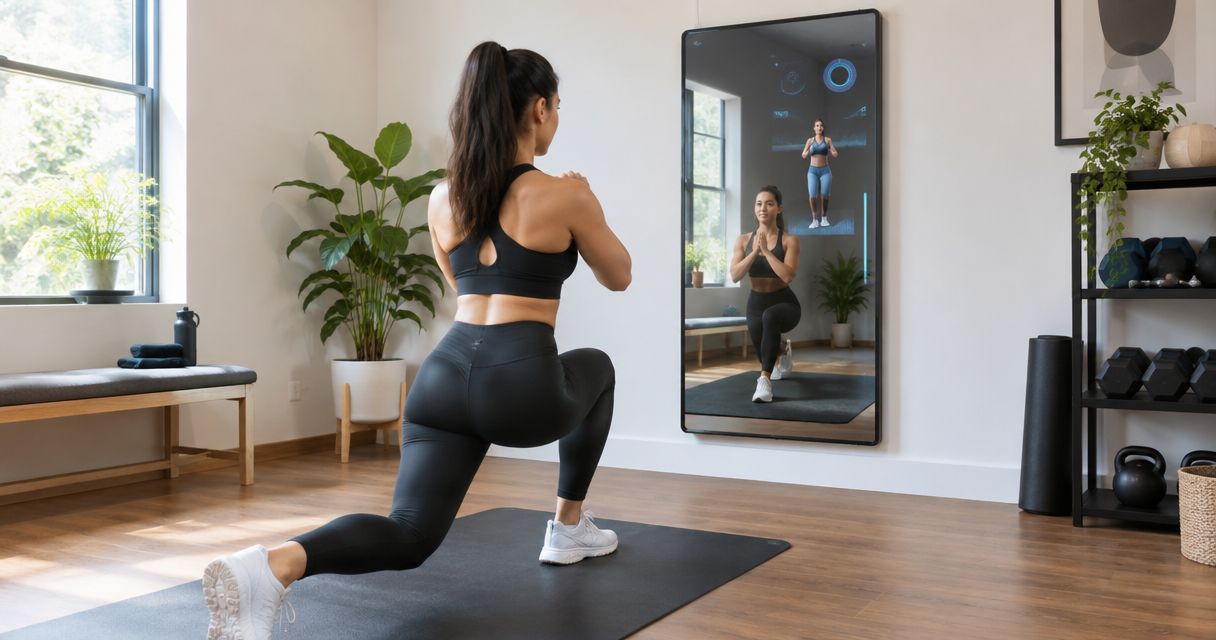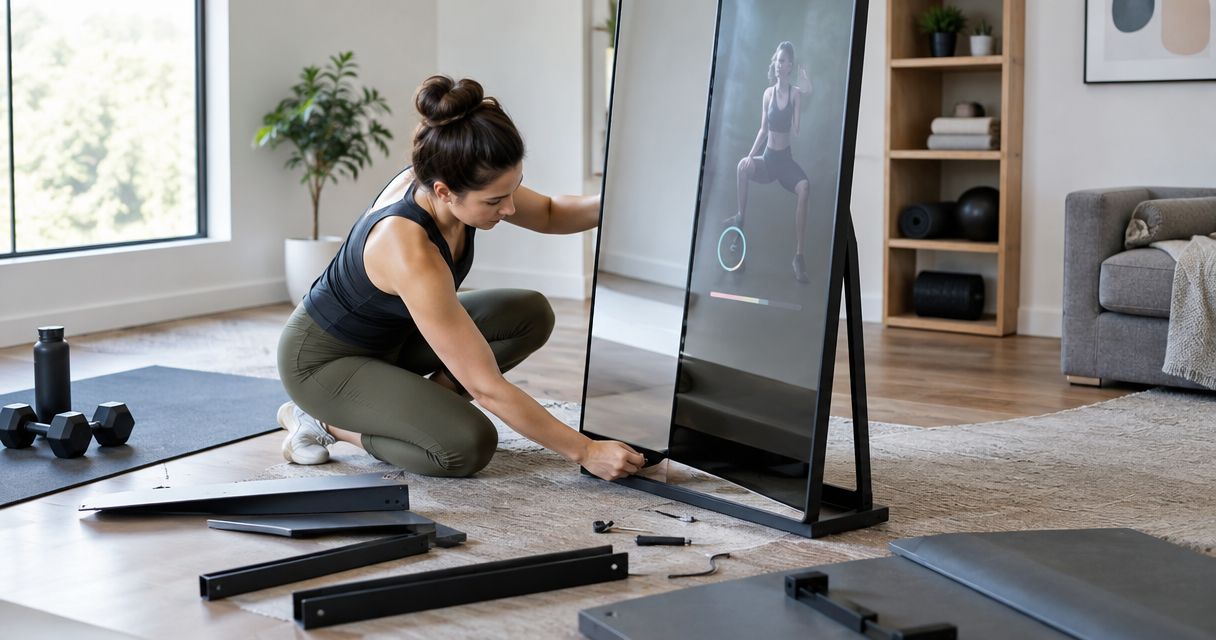
You can assemble a smart mirror system yourself if the manufacturer permits owner installation and you can meet every mounting, handling, and setup requirement in the model’s instructions. Do not treat permission to assemble it yourself as permission to lift it alone, improvise anchors, or skip a required installer.
- Can you assemble a smart mirror system yourself? Yes, when the manufacturer permits DIY installation and your location meets its requirements.
- Smart mirror mounting and app pairing are separate tasks; a working screen does not prove a secure installation.
- Homegymassembly provides licensed and insured home fitness equipment assembly in Greater Philadelphia and New Jersey.
- Stop before drilling if the wall construction, approved hardware, or installation requirements remain unclear.
Can you assemble a smart mirror system yourself?
Yes—but the exact model’s installation instructions decide whether DIY is appropriate. Read the installation manual, current support instructions, and applicable warranty terms before unpacking the mounting hardware. For a 2026 installation, use documentation that matches the equipment you actually own, not a tutorial for a similar-looking mirror.
Separate the decision into physical installation and digital setup. You might be comfortable creating an account and connecting Wi-Fi while still needing qualified help with wall attachment or positioning the display.
| Installation approach | Best for | Advantage | Limitation |
|---|---|---|---|
| Owner assembly | Models explicitly approved for owner installation, with requirements you can meet | You control the setup sequence and placement | You remain responsible for following every installation instruction |
| Professional assembly | Homeowners who need help with handling, mounting, or interpreting the installation procedure | You can delegate the physical work to someone qualified for the task | You must confirm model coverage and the exact scope of work |
| Manufacturer-required installation | Models whose instructions or purchase terms require a designated installer | Keeps installation aligned with the stated requirement | An independent assembler is not automatically an acceptable substitute |
For local home fitness equipment assembly, Homegymassembly serves homeowners in Greater Philadelphia and New Jersey. Confirm support for your exact smart mirror model before scheduling; general assembly services do not establish manufacturer authorization.
Why this matters
A smart mirror can look finished before installation is complete. The display can turn on while a retaining component remains unsecured, a cable is pinched, or the room layout blocks safe exercise movement.
Treat mechanical installation and digital setup as separate acceptance checks. Finish the manufacturer’s physical checks before attempting a workout, then complete account setup and any required on-screen commissioning. Neither check replaces the other.
How do you decide whether DIY installation is appropriate?
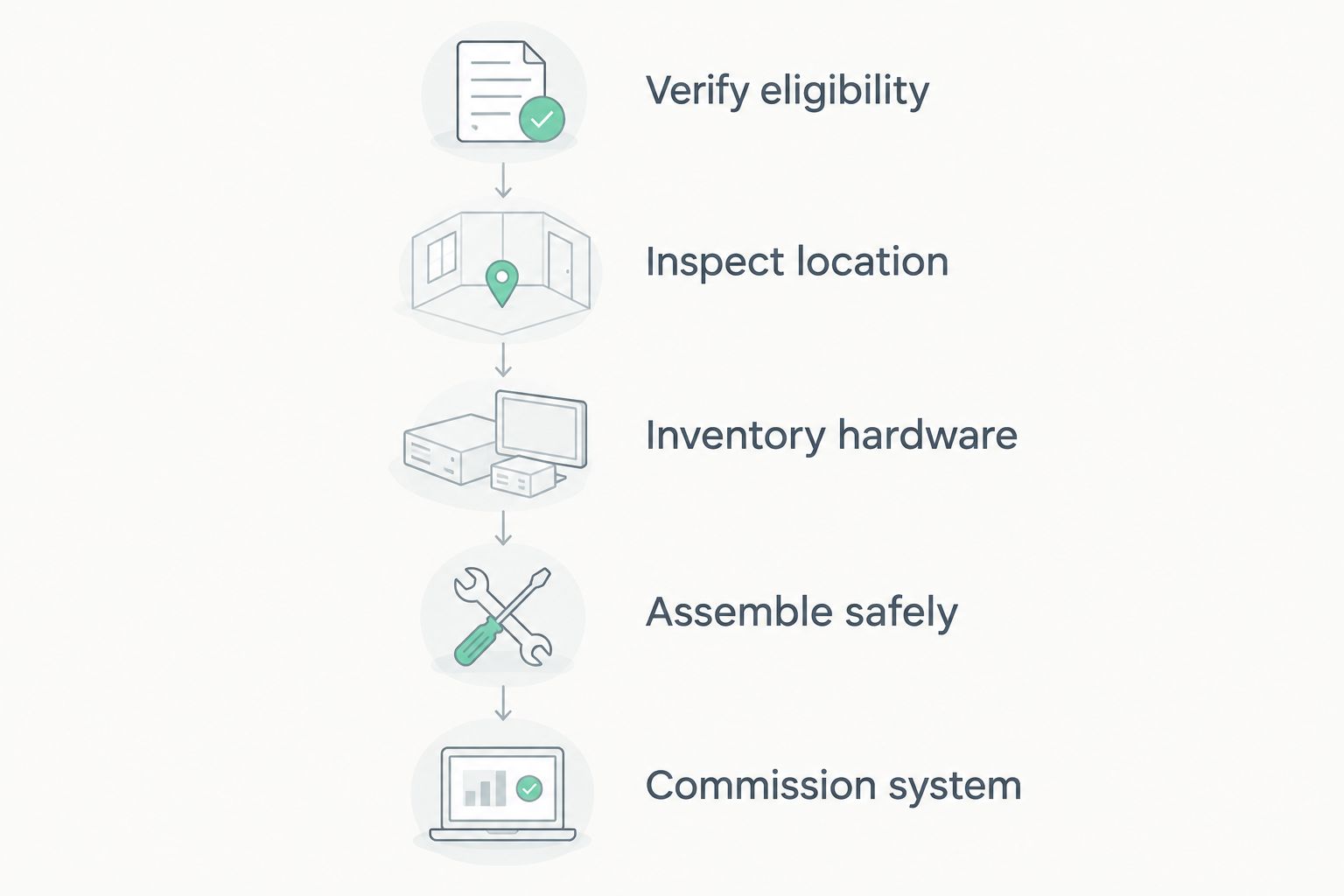
Use this sequence before committing to self-assembly. A successful DIY decision starts with permission and site suitability—not with whether you own a drill.
Verify eligibility
Find the installation instructions for the exact model and revision. Check whether the manufacturer permits owner installation, requires a designated installer, or places conditions on mounting and activation.
Read the warranty terms separately. Do not assume DIY automatically voids coverage, and do not assume professional assembly automatically preserves it. Those conclusions must come from the applicable terms.
Inspect location
Check the proposed position against the manual’s wall, floor, clearance, outlet, and environmental requirements. Where wall attachment is required, establish what the wall is made of and whether the prescribed attachment method applies.
Look beyond the mirror’s footprint. Account for the exercise area, doors, nearby furniture, and the path used to bring the equipment into the room. A position that accommodates the display is not automatically a usable workout space.
Inventory hardware
Match the supplied components and fasteners to the parts list. Keep similar-looking hardware separated, and identify which fasteners belong to the stand, mounting bracket, retaining mechanism, or accessories.
Stop if a required part is missing or damaged. A fastener that fits through a hole is not necessarily an approved substitute for the specified hardware.
Assemble safely
Follow the manual’s order of operations and handling instructions. Arrange any required assistance before lifting or positioning the display; do not discover that requirement while holding it against the wall.
Use only the tightening instructions and attachment details specified for the model. Generic advice about gym equipment is not a source for torque values, pilot-hole dimensions, anchor selection, or bracket height.
Commission system
Complete the prescribed physical inspection before power-up or use. Then follow the manufacturer’s process for account access, network connection, software updates, accessory pairing, and any required calibration.
For your 2026 setup, distinguish installation completion from service activation. An account, subscription, or software requirement is governed by the particular system; do not infer those requirements from another brand’s instructions.
Wall-mounted systems: verify the attachment method first
A wall-mounted smart mirror is not installed safely just because it hangs straight. The attachment method must match the manufacturer’s instructions and the actual wall construction.
Identify the required supporting structure before drilling. Drywall, wood framing, metal framing, and masonry are not interchangeable attachment conditions. If the instructions do not cover your wall, ask the manufacturer for an approved approach rather than adapting a method from a video.
Check the complete mounting arrangement, including any retaining clips, locking screws, or other securing components listed in the manual. Do not invent an extra pull test or hang weight from the bracket to prove strength. Use the manufacturer’s prescribed inspection procedure.
Before making holes, also establish that the proposed drilling locations are clear of concealed services. If you cannot assess the wall construction or drilling route safely, stop and get qualified help.
Freestanding systems: verify support and restraint requirements
A freestanding design removes the wall-mounting step only when the manufacturer’s instructions actually allow that configuration. It does not eliminate assembly, leveling, handling, clearance, or any specified restraint requirements.
Assemble the approved base or stand exactly as directed. Check how the display attaches to it, where cables pass, and whether any additional securing steps apply before use.
Do not convert a wall-mounted unit into a freestanding unit with an improvised support. A cabinet, easel, or generic display stand is not an approved mounting option merely because the mirror fits on it.
Why DIY difficulty varies
The installation procedure matters more than the label “smart mirror.” These factors determine whether the job fits your skills and location:
- Manufacturer restrictions: Owner installation and installer requirements determine which assembly routes are permitted.
- Mounting configuration: A specified stand and a wall attachment create different tasks; neither should be improvised.
- Wall construction: The permitted fasteners and attachment procedure must match the actual supporting material.
- Handling requirements: Display shape, lifting instructions, access routes, and required assistance affect safe positioning.
- Room layout: Exercise clearance, outlet access, doors, and cable routing can rule out an otherwise convenient location.
- Digital commissioning: Account access, network connection, updates, and model-specific calibration remain separate from physical assembly.
For a 2026 project, review these factors before arranging help or opening packaging that protects the display. Discovering an unsuitable wall after unpacking creates an avoidable handling problem.
When should you hire a professional instead?
Hire qualified help when the permitted installation method exceeds your tools, handling capacity, or ability to verify the mounting surface. If the manufacturer requires its own installation channel, follow that requirement rather than choosing an independent installer by default.
Homegymassembly is best for Greater Philadelphia and New Jersey homeowners seeking licensed and insured home fitness equipment assembly. For a smart mirror project, confirm the specific model, mounting arrangement, and requested tasks before booking. The benefit is delegated physical work; the limitation is that licensing and insurance alone do not establish model-specific authorization.
Use the same questions when comparing any installer:
- Does the installer accept this exact model and installation configuration?
- Does the proposed work follow the manufacturer’s current instructions?
- Who resolves unsuitable walls, missing components, or damaged parts?
- Does the scope include positioning, mounting, cable routing, and cleanup?
- Are account setup and software commissioning included or handled by you?
The broader guide to whether you need a professional to install a home gym helps separate manageable assembly work from tasks that need specialist help. For this project, the model’s written requirements remain the deciding authority.
Before contacting Homegymassembly about smart mirror assembly, have the model name, installation manual, room photographs, and wall details ready. Describe what you need rather than requesting an undefined “complete setup.”
Request help with equipment assembly
Discuss your equipment model and installation needs in Greater Philadelphia or New Jersey.
Can you install a smart mirror without drilling?
You can install a smart mirror without drilling only when the manufacturer provides an installation configuration that does not require it. A model designed for approved freestanding use differs from a wall-mounted model temporarily leaned against a wall.
Do not replace required mechanical attachment with adhesive strips, furniture bracing, or a generic stand. If drilling is prohibited in your home, choose a manufacturer-approved configuration that fits that restriction rather than altering the attachment method.
Can you assemble a smart mirror alone?
You can assemble a smart mirror alone only when the instructions permit solo handling and every step is within your safe handling ability. Being able to move the package does not establish that you can position the unpacked display safely.
If the manual calls for assistance, arrange it before lifting. Never balance the display on an improvised support while reaching for hardware or tools.
Does hiring an assembler include app setup?
Hiring an assembler includes app setup only when that task is part of the agreed service scope. Physical installation, account creation, network access, accessory pairing, and calibration are different deliverables.
Keep your account credentials under your control and enter them yourself. Ask the installer to identify any unfinished commissioning steps before treating the system as ready for exercise.
FAQ
Can you assemble a smart mirror system yourself in 2026?
Yes, you can assemble a smart mirror system yourself in 2026 when the manufacturer permits owner installation and you can meet every installation requirement. Check the exact model’s instructions before starting.
Do I need special tools to install a smart mirror?
You need the tools specified in your model’s installation manual. Do not assume a generic tool kit includes the correct equipment for the mounting surface or attachment procedure.
Can I use different anchors if the supplied ones do not suit my wall?
Use alternative anchors only when the manufacturer approves them for your installation conditions. If the wall falls outside the published instructions, obtain an approved method before drilling.
Will DIY smart mirror installation void my warranty?
DIY installation affects warranty coverage according to the applicable warranty terms and installation requirements. Read those terms rather than assuming all owner assembly is prohibited or all professional work is accepted.
Is a smart mirror ready once the screen turns on?
No, a working screen does not establish that physical installation is complete. Finish the required mounting checks and the manufacturer’s commissioning procedure before exercising.
Can I install a smart mirror in a rental home?
Install a smart mirror in a rental only when the permitted equipment configuration and your property permissions allow the required work. Confirm permission before making holes or changing the wall.
What should I check before hiring a smart mirror installer?
Confirm exact-model coverage, manufacturer requirements, the mounting method, and the written scope of work. Ask separately about handling, wall attachment, cleanup, and digital setup.
One last thing
Choose the mounting location before you unpack the display. Check the installation instructions, supporting surface, exercise area, outlet access, and carrying route while the equipment remains protected.
For a 2026 installation, the strongest completion check is not a successful login. It is a finished physical inspection followed by completed digital commissioning, with no unresolved requirement left between you and the first workout.