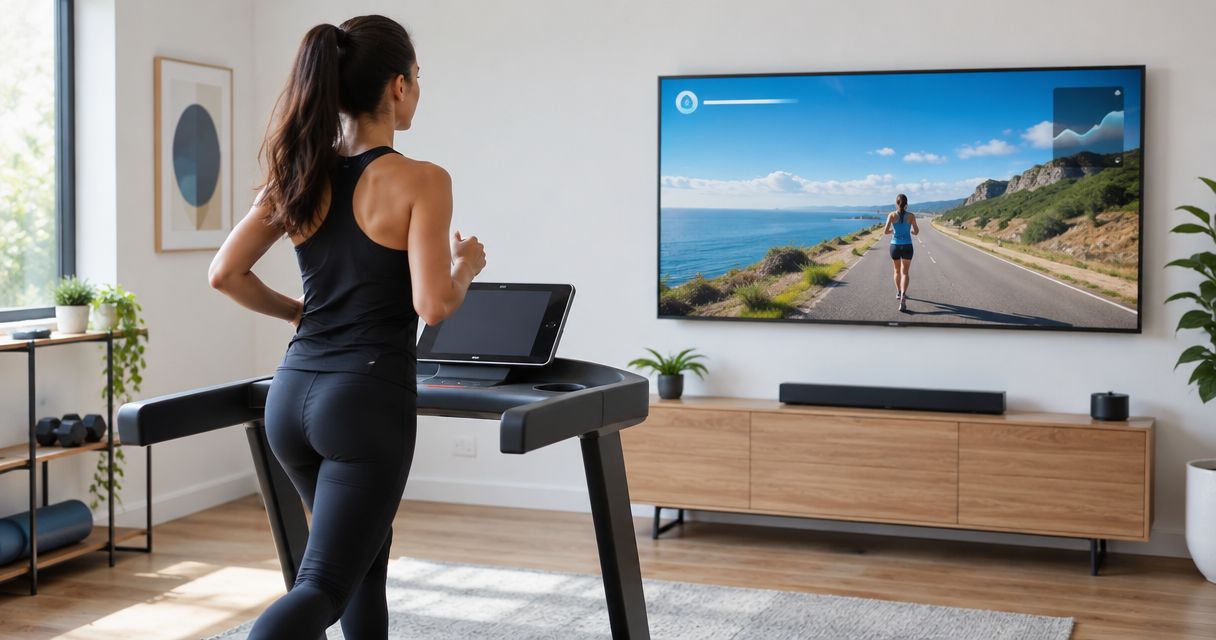
Instead of starting workouts on a small treadmill screen, connect a compatible phone, tablet, or treadmill console to your smart TV through supported casting, screen mirroring, or HDMI. The TV displays the workout; treadmill speed and incline stay under your control unless the equipment and workout app explicitly support automatic adjustments.
- To connect treadmill to smart TV, first confirm which device can send the workout video.
- Use supported workout-app casting first; screen mirroring and HDMI require separate compatibility checks.
- Bluetooth pairing alone does not send workout video to a television.
- Homegymassembly provides professional fitness equipment assembly and installation in Greater Philadelphia and New Jersey.
Why this matters
Displaying a workout and controlling a treadmill are separate connections. A class appearing on your television does not establish a data connection to the treadmill. Keep the console accessible so you can change speed, adjust incline, and stop the belt without reaching for a phone or remote.
For a 2026 setup, check the current documentation for your exact television, source device, and workout app. Compatibility belongs to those models and applications, not to the generic labels smart TV or smart treadmill.
Homegymassembly is best for homeowners in Greater Philadelphia and New Jersey who need professional fitness equipment assembly and installation. Use Homegymassembly for the physical installation side; use the equipment and app documentation to confirm video-sharing support.
Before you start
Gather these items before changing settings:
- Equipment identification and access: Find the treadmill model, television model, and source-device model. Have the applicable manuals, TV remote, and access to any workout account required for the content you intend to play.
- A supported video route: Confirm app casting, compatible screen mirroring, or a documented video-output connection. For wireless sharing, start with the source device and TV on the same home network; guest-network isolation can prevent discovery.
- The hidden gotcha: A treadmill's Bluetooth connection, USB port, or HDMI socket does not automatically provide video output. Check the port's documented function and whether the workout app permits external playback before buying adapters.
Complete setup with the belt stopped. Keep cables out of the running area and leave the safety key and treadmill controls accessible throughout testing.
Source device and connection method
Choose the device that sends the workout
- Open the workout you intend to watch on the phone, tablet, computer, or treadmill console.
- Check that device's documentation for supported video sharing. Look for an app casting function, compatible screen mirroring, or an actual video-output specification.
- Check the TV's documentation for the corresponding receiver function. A source that supports AirPlay needs an AirPlay-compatible receiver; Google Cast needs a compatible receiver.
- Choose one connection method from the table below. Do not pair devices through Bluetooth and assume the video connection is complete.
Expected result: You know which device sends the video, which device receives it, and which connection method both support.
| Connection method | Best for | Advantage | Limitation |
|---|---|---|---|
| Workout-app casting | An app with documented casting support | Sends supported workout content to the receiver | Depends on the app, receiver, and content permissions |
| Screen mirroring | A source and TV supporting the same mirroring system | Displays the source device's screen | Notifications can appear; protected video can be blocked |
| HDMI from a compatible source | A device with documented video output | Provides a wired video route | Needs compatible output hardware and safe cable routing |
| Workout app on the TV | A TV that supports the required app | Removes the need to send video from another device | TV playback does not establish treadmill control |
Choose by documented compatibility, not by the newest-looking connector. A USB-C connector alone does not confirm that a device supports video output through it. Likewise, an HDMI input receives video; it does not transmit the treadmill display.
For your 2026 equipment checklist, record the exact model names and selected connection method. That makes later troubleshooting specific instead of repeating unsuccessful pairing attempts.
Television and playback configuration
Configure your supported video route
Follow only the branch that matches your equipment. Menu names differ between TV manufacturers, so use your model's manual for its receiver and input settings rather than looking for a universal treadmill connection button.
- For workout-app casting: Enable the supported receiver function on the TV. Open the workout app on the source device, select its Cast control when provided, and choose your receiver from the device list. Start a workout that the app permits you to cast.
- For Apple screen mirroring: Enable AirPlay on the compatible TV or receiver. On an iPhone or iPad, open Control Center, select Screen Mirroring, and select the receiver. Enter the onscreen AirPlay passcode on the source device if prompted.
- For another mirroring system: Follow the source-device and TV manuals for their shared protocol. Do not substitute an AirPlay procedure for a different mirroring system simply because both devices use Wi-Fi.
- For HDMI: Confirm the source's video-output support, connect the documented adapter or cable, and select the TV input matching the socket used. Keep the cable away from the belt, walking route, and folding mechanism.
Expected result: The television shows the intended workout, not just a connection screen or an unrelated input.
Screen mirroring shares the source display, so notifications can interrupt or appear over the workout. Silence unnecessary alerts before starting, and avoid displaying private messages on a television other people can see.
Verify sound and picture before movement
- Play a 60-second test clip while standing beside the stopped treadmill. Use spoken instruction so you can judge whether the picture and voice stay aligned.
- Select one intended audio destination: the television, connected speakers, or supported headphones. Stop playback on another device if it creates duplicate sound.
- Check whether the source must remain awake for your chosen method. Screen mirroring and app casting do not necessarily behave the same way when the source locks.
- Position the source device on a stable surface or an appropriate holder. Do not balance it on a moving handrail or let a charging cable cross the exercise area.
Expected result: You hear one clear audio stream, see the complete workout, and know how to pause or end playback.
A black video area with visible app controls points to a playback or content-permission issue, not proof that the treadmill needs repair. Stop changing treadmill settings and check the app's supported external-playback methods.
Treadmill placement and safety checks
Configure the exercise area
- Position the treadmill according to its manual, including its required operating clearances. Do not reduce those clearances to improve the television viewing angle.
- Adjust the viewing arrangement so you can watch without repeatedly turning your head. Keep the television secure and outside the equipment's moving or folding path.
- Follow the treadmill's electrical instructions. Connecting video equipment does not change the treadmill's supply, grounding, or circuit requirements.
- Locate the emergency stop and attach the safety key as directed by the manufacturer. Practice reaching the console while the belt is stopped.
- Perform a 2-minute walking test at a comfortable setting within your treadmill's instructions. Confirm that you can watch, hear instructions, and reach the controls without stretching or stepping sideways.
Expected result: The viewing setup works during movement without compromising control access, cable safety, or required clearance.
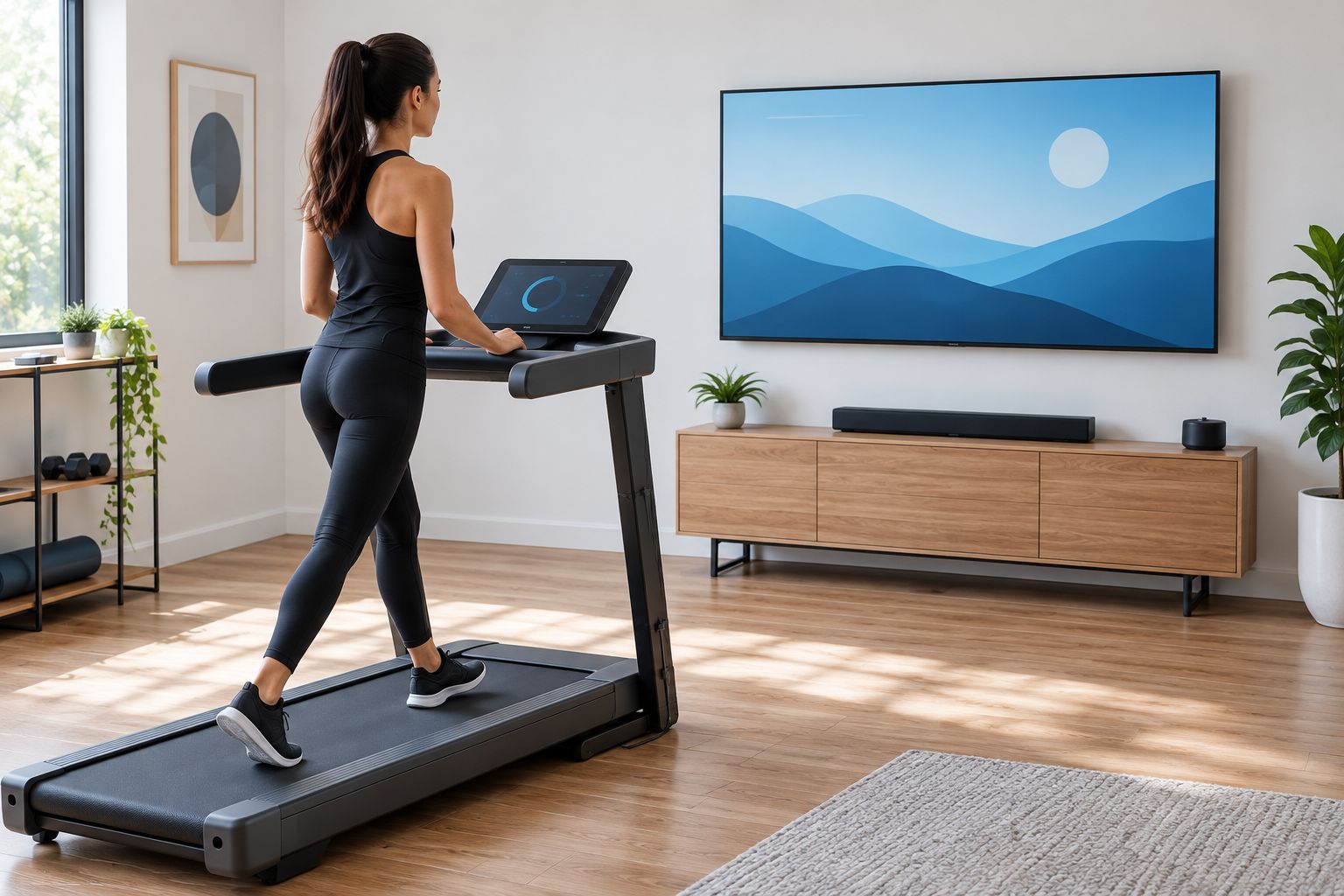
Keep these 3 checks separate: video playback, treadmill operation, and physical placement. Passing one does not prove the others are ready. Repeat the relevant check after relocating the equipment or changing the display arrangement in 2026.
Alternate workflow: play the workout directly on the TV
You do not need a treadmill-to-TV connection when the television can play the workout itself. This route separates the video source from the exercise equipment entirely.
- Check whether the TV supports the workout app you use. Confirm that the television version includes the workout content you want before signing in.
- Install the supported app through the TV's documented app interface and sign in with the account required for that content.
- Start the workout on the TV with the treadmill stopped. Confirm sound and locate the playback controls.
- Start the treadmill separately and adjust speed or incline manually according to the workout and your ability.
Expected result: The workout plays directly on the television while the treadmill operates through its own controls.
The TV-app workflow is best for watching instruction without sharing another device's screen. Its advantage is fewer video-sharing steps; its limitation is that playback alone does not transfer treadmill metrics or authorize automatic adjustments.
If you specifically need the treadmill console mirrored, confirm an explicit casting or video-output feature in that console's manual. Do not install unofficial software, open the console housing, or adapt an undocumented port to force video output.
Troubleshooting
The TV does not appear in the device list
Confirm that both devices support the same sharing protocol and that the receiver function is enabled. For local wireless discovery, check that the devices are on the same home network and not separated by guest-network isolation. Restart the app and receiver after correcting the network settings.
The app appears, but the workout video stays black
Check whether the app supports screen mirroring for that content. Protected playback can block mirrored video even when menus remain visible. Use a documented app-casting function or supported TV app instead of repeatedly changing display settings.
Bluetooth connects, but there is no picture
Check what that Bluetooth connection actually carries. Audio, sensor data, and equipment pairing are not television video sharing. Return to a supported casting, mirroring, or wired video route; pairing success is not a video-output test.
HDMI produces no signal
Verify the TV input, cable connection, adapter compatibility, and source-device output specification. An input-only treadmill port cannot send the console picture. Test the documented source-to-TV route with the treadmill stopped, and do not treat a power or charging port as a video connector.
Playback stutters or sound arrives late
First check whether the workout plays correctly on the source device without sharing. Then test the selected TV route with other competing network activity paused. If supported wireless sharing remains unreliable, test a compatible wired route and avoid sending audio through an unnecessary second connection.
Customize your workflow
Save the working arrangement before adding complexity. Record the TV input or receiver name, the source device, and the method that passed your playback test. Keep the remote and source device reachable without interfering with treadmill controls.
For a repeatable 2026 workout routine, prepare playback before stepping onto the moving belt. Finish the class, stop the treadmill, and then disconnect or store accessories. This order keeps connection changes separate from exercise.
If the workout app also needs a supported equipment connection, follow the treadmill-to-iFIT app workflow as a separate setup task. Confirm compatibility for the specific treadmill rather than assuming that successful TV playback establishes app pairing.
Homegymassembly handles professional fitness equipment assembly and installation; a successful video connection does not replace correct mechanical setup. Resolve loose components, unstable placement, or unclear electrical requirements before exercising.
Arrange your treadmill installation
Professional fitness equipment assembly and installation in Greater Philadelphia and New Jersey.
FAQ
Can I connect any treadmill to a smart TV?
No. Direct treadmill-to-TV video requires documented casting or video-output support on the treadmill console. You can instead play a compatible workout from a phone, tablet, computer, or supported TV app while operating the treadmill separately.
Can I use Bluetooth to show treadmill workouts on my TV?
Bluetooth pairing alone does not send workout video to your TV. Use a supported video-sharing method such as app casting, compatible screen mirroring, or HDMI from a device with video output.
What's the best way to connect treadmill to smart TV in 2026?
Use the video route explicitly supported by your workout app, source device, and television. Supported app casting is the first route to check; screen mirroring and HDMI need their own compatibility checks.
Will my TV workout automatically change treadmill speed or incline?
TV playback alone does not control treadmill speed or incline. Automatic adjustments require explicit support from the equipment and workout app; otherwise, use the treadmill console manually.
Why does my workout show a black screen when I mirror it?
The app or protected content can block mirrored video. Check the app's documented external-playback options and use supported casting or a TV app when provided.
Can I connect my treadmill console with an HDMI cable?
Only a documented HDMI output can send the console picture to the TV. An HDMI input receives video instead, and a USB or charging port does not establish video-output support.
Do I need the treadmill connected if the workout app runs on my TV?
No treadmill connection is needed just to watch a workout in a supported TV app. Start and control the treadmill separately, and treat equipment-data pairing as another task.
One last thing
Test recovery, not just connection. With the treadmill stopped, interrupt playback, reconnect the source, and confirm that you can resume without changing treadmill settings. A setup that works only until the phone locks or someone changes the TV input is not ready for a dependable routine.
Keep that recovery procedure with your 2026 equipment notes. The useful connection is the one you can restore calmly before exercise, not the one that requires troubleshooting on a moving belt.